
Data center migration services
Whether you're migrating physical servers to a new facility or moving data and applications to new platforms, MIGRA designs, deploys, and manages a migration that eliminates risk of data loss and minimizes downtime.
Quick answer
What is data center migration?
Data center migration is moving IT workloads, data and applications to a new environment. It can be physical (moving the servers themselves to a new facility) or virtual (moving data and applications to new servers or platforms). Relocation is the physical form of migration. MIGRA Systems handles both, using a four-phase method: requirements, design, implementation planning and execution.
Last updated
Two kinds of data center migration
Most projects need one or both. We plan them together so your systems stay available.

Physical server migration
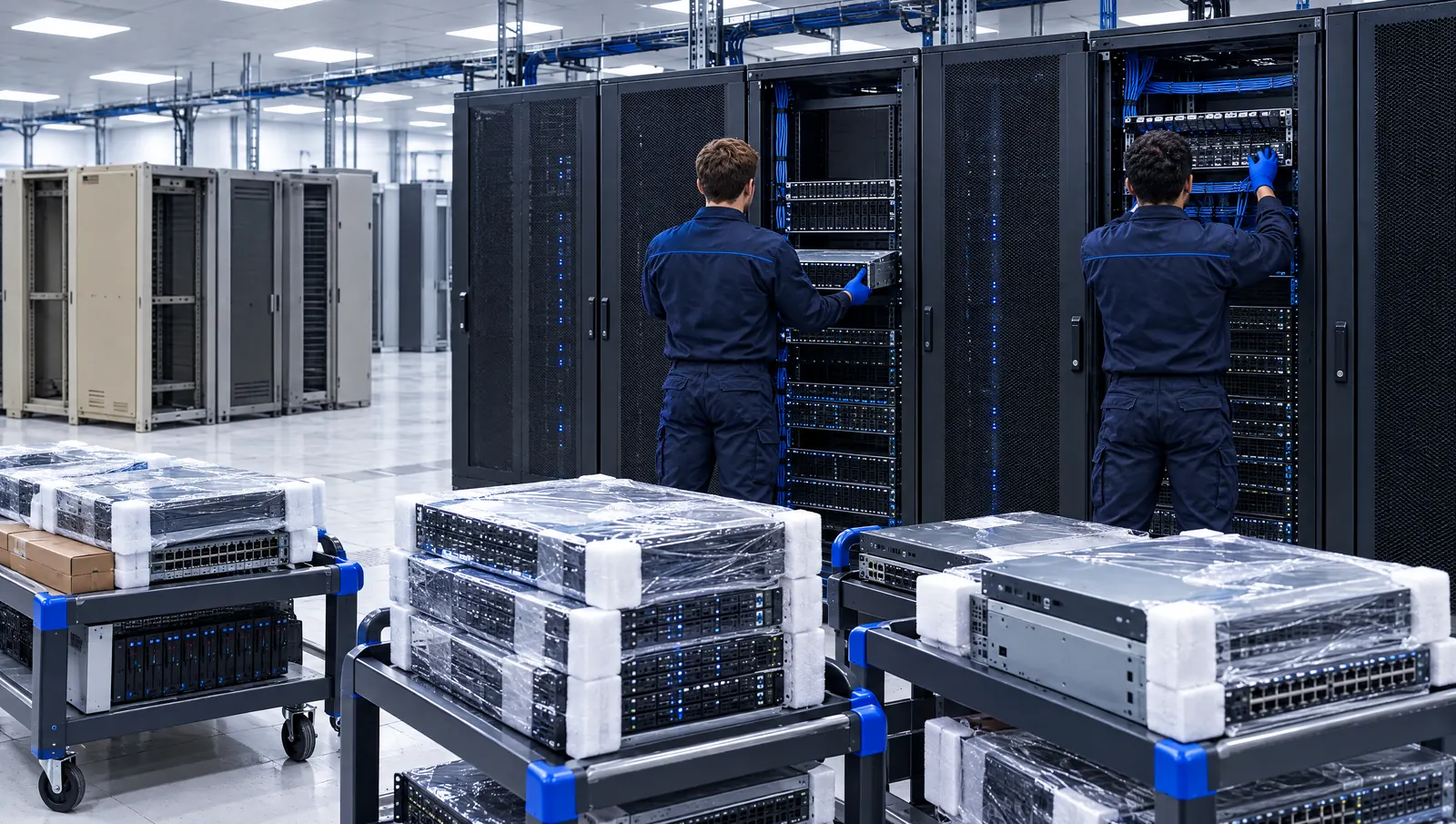
We migrate servers, storage and network hardware to a new facility: inventory and dependency mapping, packing, secure transport, re-installation and cabling, organized into move groups to reduce downtime and limit risk.
About data center relocation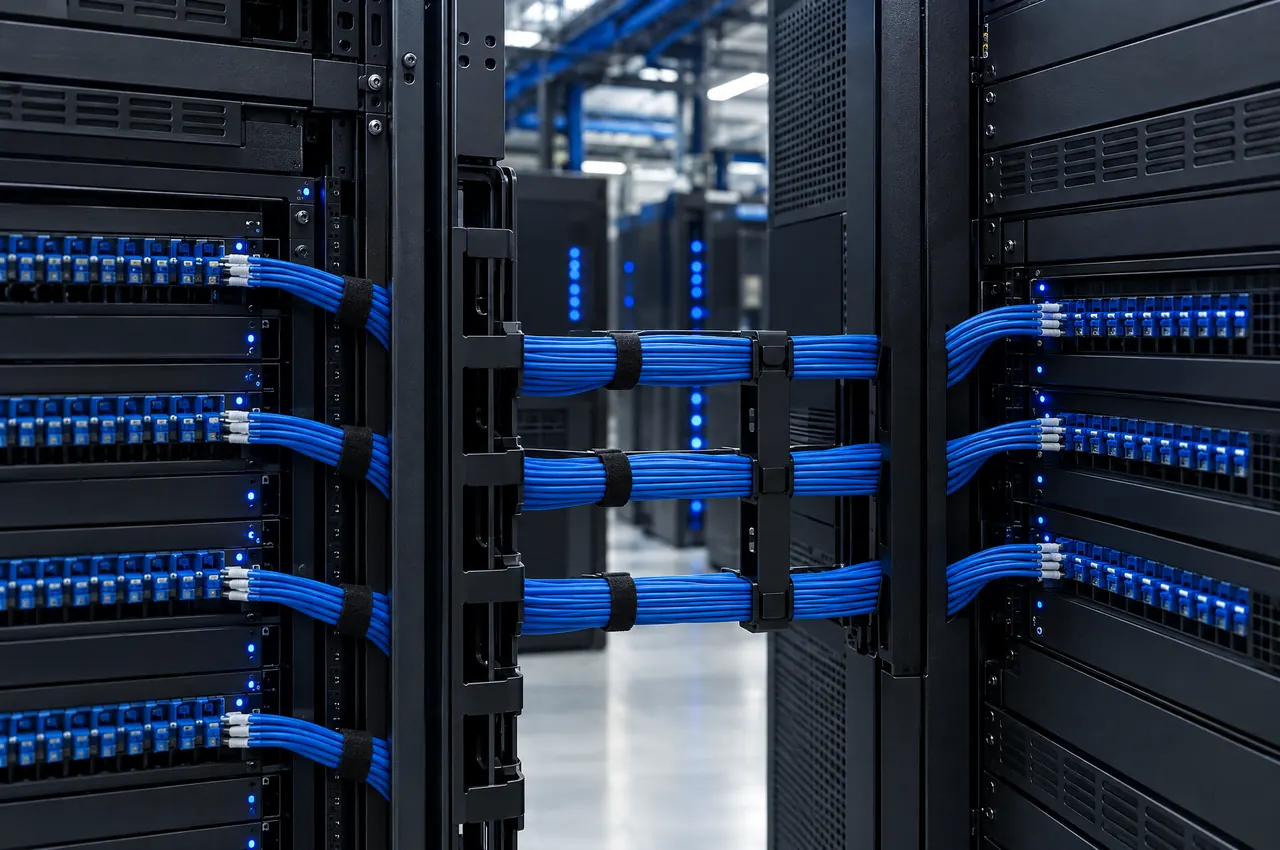
Virtual data and application migration
When the servers and platforms that once worked well become outdated, we move your data from one server or platform to another using industry best practices and a combination of services, software, and products.
Virtual migration featuresRelocation vs. migration vs. consolidation
The three terms overlap. Relocation and moving are the physical move of hardware. Migration is the broader move of workloads, physical or virtual. Consolidation combines several sites into fewer.
| What moves | Goal | Typical trigger | MIGRA's role | |
|---|---|---|---|---|
| Relocation / moving | Physical hardware | Same systems, new location | Lease end, new facility, colocation change | Plan, pack, transport, re-rack |
| Migration | Workloads and data (physical or virtual) | New environment or platform | Hardware refresh, platform upgrade, colocation move | Plan and execute physical or virtual moves |
| Consolidation | Hardware and workloads from many sites into fewer | Smaller footprint, lower cost | Merger, cost cutting, underused sites | Plan, relocate, decommission, dispose |
How we plan a data center migration
Every migration starts with the Present Method of Operation (PMO): a detailed inventory, Visio drawings, the physical network infrastructure, and the logical application linkages for every device. We identify software dependencies and relationships and map all network connectivity.
From the PMO, we define the Desired Future State (DFS) and the roadmap to reach it, including net new equipment, changes to the telecommunications architecture, and the network design. Many clients use this step to identify technology refresh opportunities.
The implementation plan then turns the roadmap into a day-of-move plan broken down every 15 minutes, showing each task whether it's for the client, a vendor, MIGRA, or a third party. Risk assessment and a contingency plan are part of every stage.
Virtual migration features
- Eliminate downtime during the migration.
- Move your entire network, no matter the size.
- Move data between existing servers to new platforms in minutes.
- Real-time queuing technology protects against intermittent outages.
- Long-term caching capabilities protect against extensive outages.
- Migrate your data during normal business hours, with no late nights for your team.
What clients say about our data center migration work
“Selecting MIGRA as a partner for our data center migration was one of the best choices we made! The entire MIGRA team was flexible, easy to work with, and worked through-out the project to ensure that the move was a success.”
Data center migration questions
What is data center migration?
Data center migration moves systems, applications and data to a new facility or platform. It can be physical, moving the hardware itself, or virtual, moving data and applications between servers and platforms. Many projects include both.
Can a data center migration be done without downtime?
MIGRA's virtual migration is designed to eliminate downtime and can run during normal business hours. For physical migrations, devices are split into move groups, and disaster recovery sites can keep core operations running 24×7 during the move.
How do you plan a data center migration?
We document the Present Method of Operation, define the Desired Future State, design the roadmap between them, and build a day-of-move plan broken down every 15 minutes, with risk assessment and a contingency plan at every stage.
What equipment can you migrate?
Past migrations included EMC storage arrays, blades, optical storage devices, IBM and Wintel servers, PDUs, KVMs and network devices.
What is the difference between data center migration and relocation?
Relocation is the physical move of hardware; migration is the broader move of workloads and data, which can be physical or virtual. Most physical migrations include a relocation.
How do you reduce risk during a data center migration?
Back up and test recovery before anything moves. In one MIGRA project, the client failed the core environment over to its disaster recovery site before move day, and network, voice and server test plans ran in advance. For building and testing that recovery plan, the federal reference is NIST SP 800-34 Rev. 1, Contingency Planning Guide for Federal Information Systems.


Planning a data center migration?
Call or email us today for your free, no-obligation consultation.